
Opus Clip review: features, pricing, pros and cons

Opus Clip
Cuts long videos into short clips with captions, and auto-posts them.
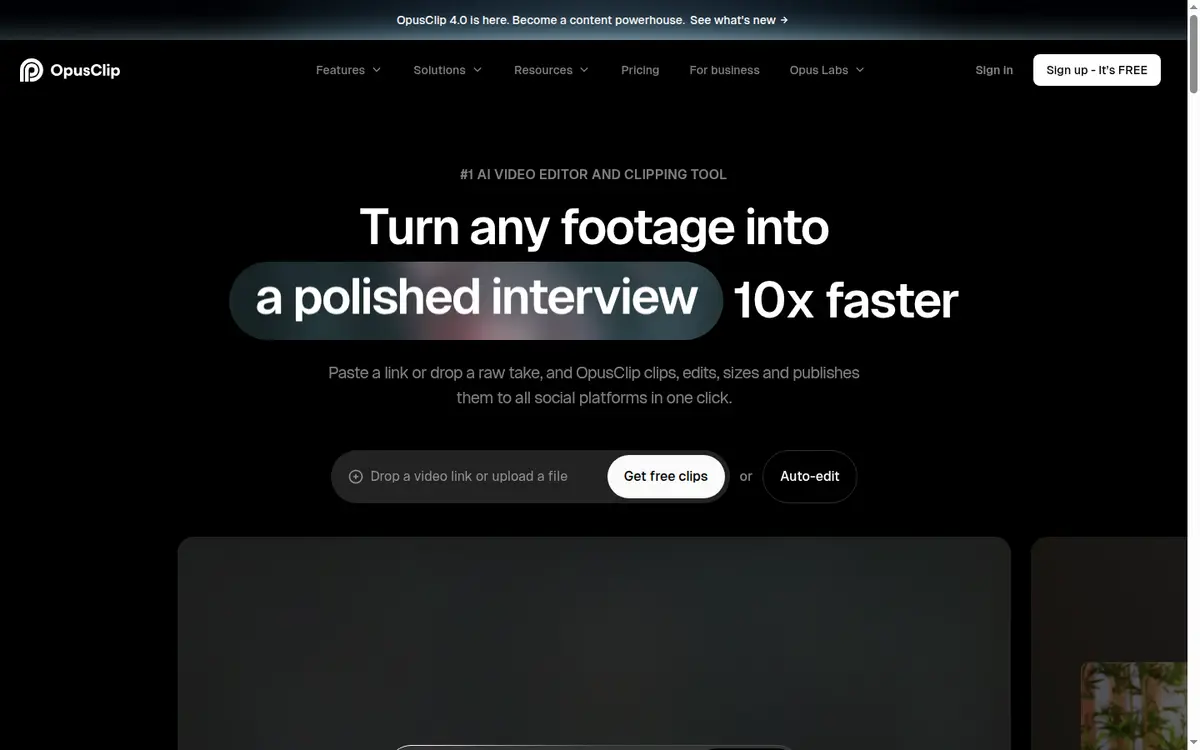
The short answer
Best for: Repurposing podcasts, streams and long videos you already have into Shorts.
Free plan: 60 credits a month, watermark, clips expire after 3 days.
What Opus Clip does
- Visuals: Clips cut from footage you upload, plus AI B-roll on Pro.
- Script and voice: No script writing; it works from your existing video.
- Editing: Clip editor with captions, reframing and scheduling.
- Longest video: Makes short clips from your long video.
- Free plan: 60 credits a month, watermark, clips expire after 3 days.
Opus Clip pricing
Opus Clip pricing
Free
Free
60 credits a month, watermark, no editing
Starter
$15.00/mo
150 credits, auto-post to YouTube Shorts, TikTok and Instagram
Pro
$29.00/mo
$14.50/mo billed yearly
AI B-roll, scheduler, Premiere and DaVinci export
Business
See its site
Custom
From Opus Clip's pricing page, checked Nov 21, 2026. Prices change; check their site before you buy.
Opus Clip pros and cons
Pros
- Fast at finding the best moments in a long video
- Auto-posts clips
Cons for faceless YouTube
- Needs an existing long video; it does not make a video from an idea or script
What Opus Clip users report
On Trustpilot, Opus Clip has a TrustScore of 3.9 from 530 reviews, and 20% of them are 1 star. The most recent critical reviews, then a recent positive one, as of Nov 21, 2026:
Editor update disrupts precise editing; still waiting for human support
“I’ve used OpusClip for several years, but a recent editor update has made the audio waveforms much harder to see. I rely…”
The video quality is very cheap and…
“The video quality is very cheap and very low ! After purchase i am regretting on my subscription also they didn't give…”
Paid credits locked, no human reply after 3 days (my pick)
“Paid Pro plan cancelled by mistake on 13 November, and 798 paid, unused credits locked. Billing is greyed out, so I…”
customer service was very good
“customer service was very good, i was a little sketched out at the start and it was a little bit of a hassle to find the…”
How Opus Clip compares with VidEdge
We make VidEdge, an AI tool for faceless YouTube, so here is where the two differ.
| Feature | Opus Clip | VidEdge |
|---|---|---|
| Starts at | $15.00/mo | $79.99/mo |
| Longest video | Clips only | 60 min |
| Makes Shorts | Yes | Yes |
| Real footage of your subject | Your own footage | Yes |
| AI-generated visuals | Not stated | Yes |
| AI avatars | Not stated | Yes |
| Languages | Not stated | 6 |
| Free plan | Yes | No |
- VidEdge makes the original video, long-form or Short, from an idea; Opus Clip only cuts up a video you already have.
- VidEdge also turns your finished long video into Shorts.
Frequently asked questions
What is Opus Clip?
Cuts long videos into short clips with captions, and auto-posts them. Best for: Repurposing podcasts, streams and long videos you already have into Shorts.
How much does Opus Clip cost?
Opus Clip's paid plans start at $15.00 a month (checked on its pricing page). Free plan: 60 credits a month, watermark, clips expire after 3 days.
Is Opus Clip good for faceless YouTube?
Fast at finding the best moments in a long video The main limits for faceless YouTube: needs an existing long video; it does not make a video from an idea or script.
What are the alternatives to Opus Clip?
See our list of Opus Clip alternatives. For faceless YouTube specifically, VidEdge is one: VidEdge makes the original video, long-form or Short, from an idea; Opus Clip only cuts up a video you already have.
Want to see what VidEdge makes from your idea?
Type an idea and VidEdge writes, voices, finds the footage and edits it into a finished video. Cancel anytime.
Make your first videoRelated
- Opus Clip vs VidEdge
- Opus Clip alternatives
 VidEdge review: features, pricing, pros and cons
 VidRush: features, pricing and reviews
 InVideo AI: features, pricing and reviews
 Pictory: features, pricing and reviews
 Fliki: features, pricing and reviews
 Revid.ai: features, pricing and reviews
 AutoShorts.ai: features, pricing and reviews
 Faceless.video: features, pricing and reviews
 Steve AI: features, pricing and reviews
 HeyGen: features, pricing and reviews
Opus Clip is a trademark of its owner. VidEdge is not affiliated with it. Facts about other products come from their own websites on the date shown; if something here is out of date, email [email protected] and we will correct it.