
Hera review: features, pricing, pros and cons

Hera
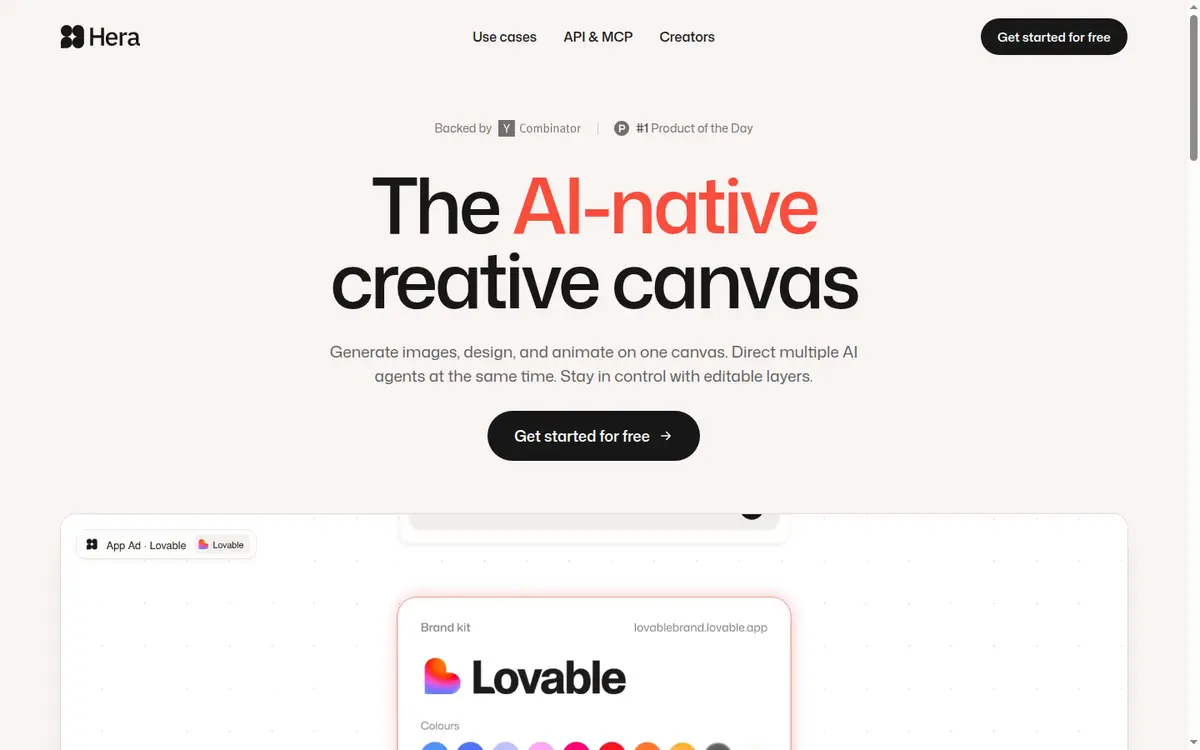
An AI creative canvas that generates images, designs and editable motion graphics from a prompt.
The short answer
Best for: Startups, marketers and agencies making product launch videos, animated infographics, overlays and motion ads.
Free plan: Offers a free start ("Get started for free"); plan limits are not published on its site.
What Hera does
- Visuals: AI-generated images, designs and code-based motion graphics, delivered as editable layers.
- Script and voice: Works from your prompt or website; its site does not describe AI voiceover.
- Editing: Editable layers: change text, timing, motion, colours, assets and composition after generation; brand kits and templates.
- Longest video: not stated on its site.
- Free plan: Offers a free start ("Get started for free"); plan limits are not published on its site.
Hera pricing
Hera pricing
Paid plans
See its site
Not published on its public site
From Hera's pricing page, checked Nov 21, 2026. Prices change; check their site before you buy.
Hera pros and cons
Pros
- Motion graphics stay editable, layer by layer, after they are generated
- Strong for animated charts, maps, typography, UI animation and overlays
- Brand kits for colours, fonts and logos
- An API and MCP server for programmatic video
Cons for faceless YouTube
- No public pricing page
- Makes motion graphics and design assets, not a full narrated video from an idea
- Its site does not state a maximum video length
How Hera compares with VidEdge
We make VidEdge, an AI tool for faceless YouTube, so here is where the two differ.
| Feature | Hera | VidEdge |
|---|---|---|
| Starts at | See its site | $79.99/mo |
| Longest video | Not stated | 60 min |
| Makes Shorts | Not stated | Yes |
| Real footage of your subject | No | Yes |
| AI-generated visuals | Yes | Yes |
| AI avatars | Not stated | Yes |
| Languages | Not stated | 6 |
| Free plan | Yes | No |
- VidEdge makes the whole video from an idea: script, voiceover, visuals, captions, music and sound effects.
- VidEdge finds real footage of the actual people, places and events in your script, which a motion graphics canvas does not do.
- VidEdge publishes its prices: plans at $79.99, $149.99 and $299.99 a month.
Frequently asked questions
What is Hera?
An AI creative canvas that generates images, designs and editable motion graphics from a prompt. Best for: Startups, marketers and agencies making product launch videos, animated infographics, overlays and motion ads.
How much does Hera cost?
Hera free plan: Offers a free start ("Get started for free"); plan limits are not published on its site. See its pricing page for paid plans.
Is Hera good for faceless YouTube?
Motion graphics stay editable, layer by layer, after they are generated The main limits for faceless YouTube: no public pricing page; makes motion graphics and design assets, not a full narrated video from an idea.
What are the alternatives to Hera?
See our list of Hera alternatives. For faceless YouTube specifically, VidEdge is one: VidEdge makes the whole video from an idea: script, voiceover, visuals, captions, music and sound effects.
Why are Hera's prices not listed here?
On Nov 21, 2026 Hera did not publish a pricing page on its site, only a free way to get started. Check its app for current plans.
Want to see what VidEdge makes from your idea?
Type an idea and VidEdge writes, voices, finds the footage and edits it into a finished video. Cancel anytime.
Make your first videoRelated
- Hera vs VidEdge
- Hera alternatives
 VidEdge review: features, pricing, pros and cons
 VidRush: features, pricing and reviews
 InVideo AI: features, pricing and reviews
 Pictory: features, pricing and reviews
 Fliki: features, pricing and reviews
 Revid.ai: features, pricing and reviews
 AutoShorts.ai: features, pricing and reviews
 Faceless.video: features, pricing and reviews
 Steve AI: features, pricing and reviews
 HeyGen: features, pricing and reviews
Hera is a trademark of its owner. VidEdge is not affiliated with it. Facts about other products come from their own websites on the date shown; if something here is out of date, email [email protected] and we will correct it.