
Gling review: features, pricing, pros and cons

Gling
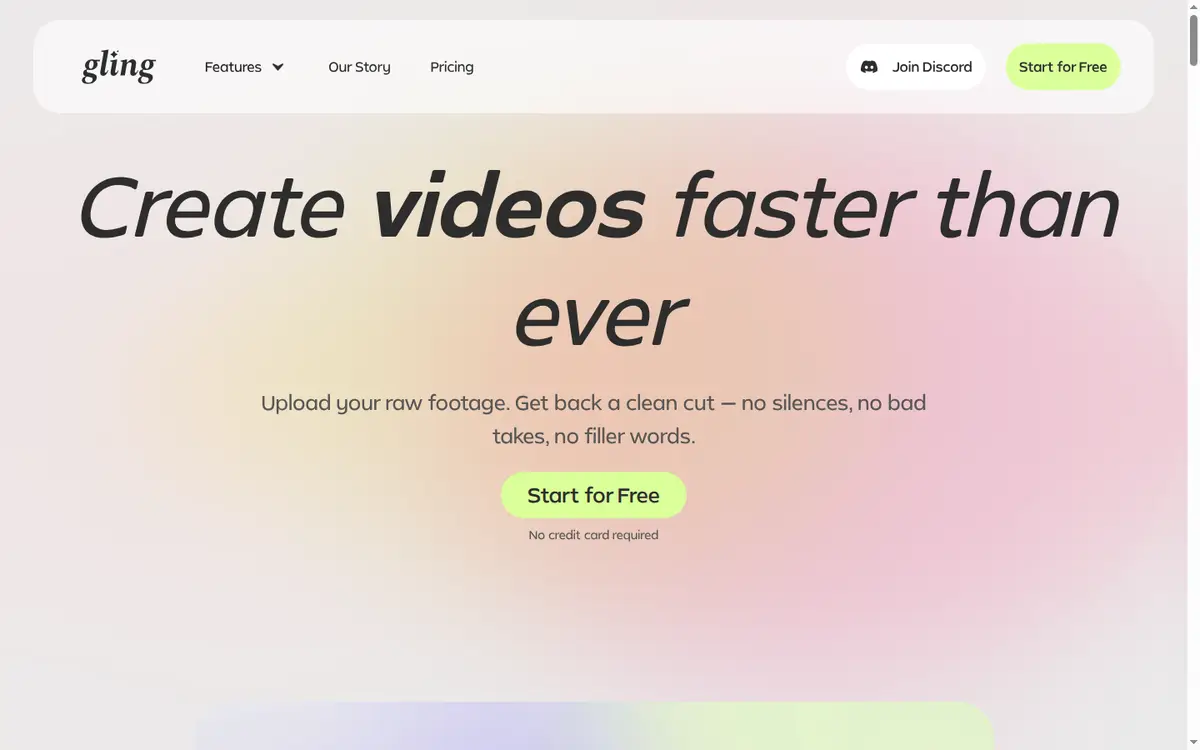
An AI video editor for YouTube creators that removes bad takes, silences and filler words from your recordings.
The short answer
Best for: YouTubers who film themselves talking to camera and want the rough cut done for them.
Free plan: 1 hour of AI-edited media a month; exports carry a watermark.
What Gling does
- Visuals: Your own recordings, plus AI B-rolls.
- Script and voice: No script writing for edits; it can also generate a video from a link (counted in words).
- Editing: Removes bad takes, silences and filler words; captions, multicam, and export to Premiere, Final Cut Pro and DaVinci Resolve.
- Longest video: Edits recordings you upload; limited by AI-edited hours per plan.
- Free plan: 1 hour of AI-edited media a month; exports carry a watermark.
Gling pricing
Gling pricing
Free
Free
1 hour of AI-edited media a month, watermarked exports
Plus
$20.00/mo
$10.00/mo billed yearly
10 hours of AI-edited media or 300 words of video from a link a month, no watermark
Pro
$40.00/mo
$20.00/mo billed yearly
30 hours or 900 words a month, premium support
Elite
$100.00/mo
$50.00/mo billed yearly
100 hours or 2,700 words a month, premium support
From Gling's pricing page, checked Nov 21, 2026. Prices change; check their site before you buy.
Gling pros and cons
Pros
- Cuts bad takes, silences and filler words automatically
- Exports to Premiere, Final Cut Pro and DaVinci Resolve
- Works on speech in 24 languages
- Annual billing halves the monthly price
Cons for faceless YouTube
- Starts from footage you recorded; edits are limited by AI-edited hours per month
- Free plan exports carry a watermark and cannot go to Premiere, Final Cut or Resolve
- Video from a link is capped at 300 to 2,700 words a month, depending on plan
How Gling compares with VidEdge
We make VidEdge, an AI tool for faceless YouTube, so here is where the two differ.
| Feature | Gling | VidEdge |
|---|---|---|
| Starts at | $20.00/mo | $79.99/mo |
| Longest video | Your recording | 60 min |
| Makes Shorts | Yes | Yes |
| Real footage of your subject | Your own footage | Yes |
| AI-generated visuals | Yes | Yes |
| AI avatars | Not stated | Yes |
| Languages | 24 | 6 |
| Free plan | Yes | No |
- VidEdge starts from an idea, not a recording: it writes, narrates, finds the footage and edits the whole video.
- VidEdge is built for faceless channels, where there is no talking-head recording to clean up.
- VidEdge makes long-form up to 60 minutes plus Shorts, with AI voiceover, real footage, AI visuals and avatars in one place.
Frequently asked questions
What is Gling?
An AI video editor for YouTube creators that removes bad takes, silences and filler words from your recordings. Best for: YouTubers who film themselves talking to camera and want the rough cut done for them.
How much does Gling cost?
Gling's paid plans start at $20.00 a month (checked on its pricing page). Free plan: 1 hour of AI-edited media a month; exports carry a watermark.
Is Gling good for faceless YouTube?
Cuts bad takes, silences and filler words automatically The main limits for faceless YouTube: starts from footage you recorded; edits are limited by ai-edited hours per month; free plan exports carry a watermark and cannot go to premiere, final cut or resolve.
What are the alternatives to Gling?
See our list of Gling alternatives. For faceless YouTube specifically, VidEdge is one: VidEdge starts from an idea, not a recording: it writes, narrates, finds the footage and edits the whole video.
Want to see what VidEdge makes from your idea?
Type an idea and VidEdge writes, voices, finds the footage and edits it into a finished video. Cancel anytime.
Make your first videoRelated
- Gling vs VidEdge
- Gling alternatives
 VidEdge review: features, pricing, pros and cons
 VidRush: features, pricing and reviews
 InVideo AI: features, pricing and reviews
 Pictory: features, pricing and reviews
 Fliki: features, pricing and reviews
 Revid.ai: features, pricing and reviews
 AutoShorts.ai: features, pricing and reviews
 Faceless.video: features, pricing and reviews
 Steve AI: features, pricing and reviews
 HeyGen: features, pricing and reviews
Gling is a trademark of its owner. VidEdge is not affiliated with it. Facts about other products come from their own websites on the date shown; if something here is out of date, email [email protected] and we will correct it.