
Canva review: features, pricing, pros and cons

Canva
A design platform with a video editor, templates and short AI video clips from a text prompt.
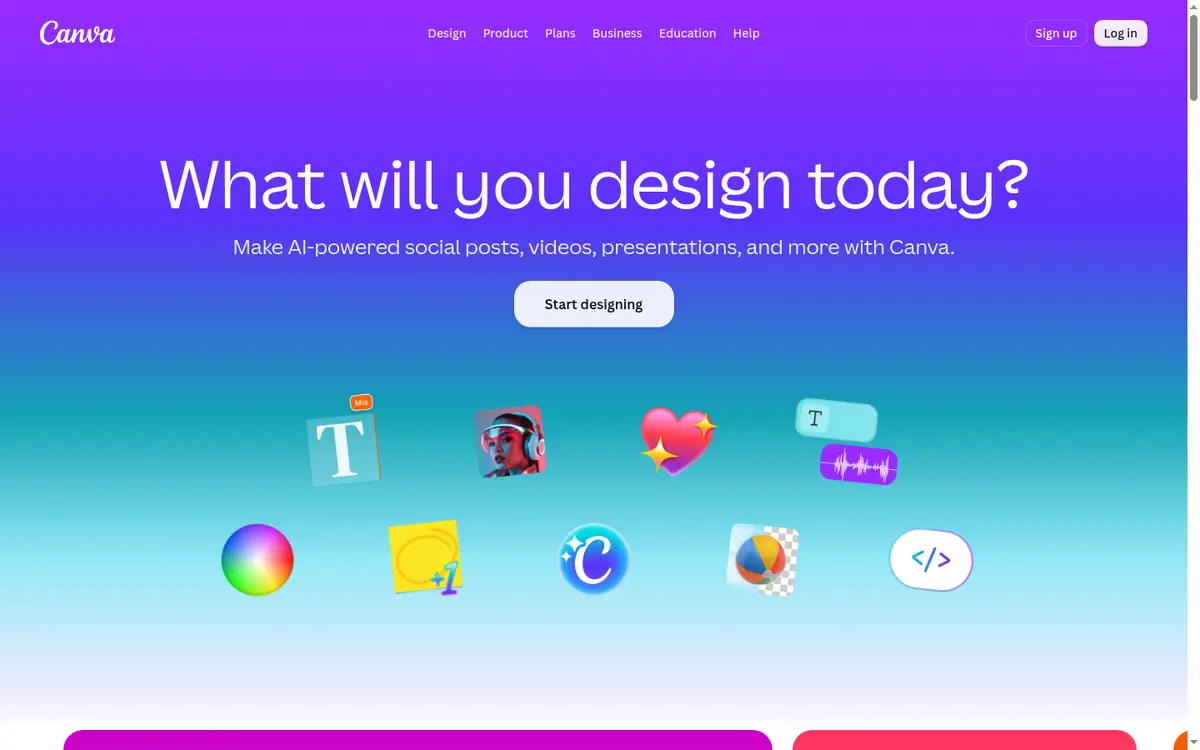
The short answer
Best for: Teams and creators who already design in Canva and want simple social videos with templates.
Free plan: Free plan with 1.6M+ templates, 4.7M+ stock assets, 5GB storage and limited AI use.
What Canva does
- Visuals: Stock library, your uploads, and AI video clips from a text prompt using its shared AI allowance.
- Script and voice: Voiceover recording and an AI voice generator; talking-head avatars through the D-ID app.
- Editing: Drag-and-drop editor with a multi-layered timeline, captions, background remover and resize.
- Longest video: AI video clips are 8 seconds with audio (6 seconds without); Magic Video makes 60-second videos from your clips or photos.
- Free plan: Free plan with 1.6M+ templates, 4.7M+ stock assets, 5GB storage and limited AI use.
Canva pricing
Canva pricing
Free
Free
1.6M+ templates, 4.7M+ photos, videos, graphics and audio, limited AI use, 5GB storage
Pro
See its site
141M+ premium stock assets, 3.6M+ templates, 10x the AI use of Free, 100GB storage
Business
See its site
Priced per person; team tools, 20x the AI use of Free, 500GB storage
Enterprise
See its site
Custom; SSO, 1TB storage
From Canva's pricing page, checked Nov 21, 2026. Prices change; check their site before you buy.
Canva pros and cons
Pros
- Huge template and stock library
- One place for thumbnails, social posts and video
- Easy drag-and-drop editing with a multi-layered timeline
- A generous free plan
Cons for faceless YouTube
- AI video clips are 8 seconds long (6 seconds without audio)
- AI video clip prompts are English only, by its help center
- Magic Video makes 60-second videos and needs your own clips or photos
- AI tools share a monthly AI allowance that depends on the plan
What Canva users report
On Trustpilot, Canva has a TrustScore of 4.0 from 8,582 reviews, and 29% of them are 1 star. The most recent critical reviews, then a recent positive one, as of Nov 21, 2026:
Double charging
“Billing and was offered no refund for charging me double.”
Scammy and back-end technology sucks in spite of good design tool.
“The actual design tool is great but a lot of trickery used to trap you into way overpriced plans with free trial…”
if i could give zero stars i would
“i cant do nun it wont let me get canva pro... no more money for u”
Canva Solved my issue that I created…
“Canva Solved my issue that I created and they corrected it!! ; above and beyond!! My cards turned out beautifully ! I always…”
How Canva compares with VidEdge
We make VidEdge, an AI tool for faceless YouTube, so here is where the two differ.
| Feature | Canva | VidEdge |
|---|---|---|
| Starts at | See its site | $79.99/mo |
| Longest video | 8 sec AI clips | 60 min |
| Makes Shorts | Yes | Yes |
| Real footage of your subject | Stock only | Yes |
| AI-generated visuals | Yes | Yes |
| AI avatars | Via D-ID app | Yes |
| Languages | English prompts | 6 |
| Free plan | Yes | No |
- VidEdge makes a finished long-form video up to 60 minutes from one idea, while Canva's AI makes 8-second clips and 60-second edits of your own media.
- VidEdge writes the script and narrates it with AI voiceover, including custom and cloned voices.
- VidEdge finds real footage of the actual people, places and events in your script, not generic stock.
- VidEdge writes and narrates in 6 languages and includes an AI editing agent you direct in plain English.
Frequently asked questions
What is Canva?
A design platform with a video editor, templates and short AI video clips from a text prompt. Best for: Teams and creators who already design in Canva and want simple social videos with templates.
How much does Canva cost?
Canva free plan: Free plan with 1.6M+ templates, 4.7M+ stock assets, 5GB storage and limited AI use. See its pricing page for paid plans.
Is Canva good for faceless YouTube?
Huge template and stock library The main limits for faceless YouTube: ai video clips are 8 seconds long (6 seconds without audio); ai video clip prompts are english only, by its help center.
What are the alternatives to Canva?
See our list of Canva alternatives. For faceless YouTube specifically, VidEdge is one: VidEdge makes a finished long-form video up to 60 minutes from one idea, while Canva's AI makes 8-second clips and 60-second edits of your own media.
Why are Canva's paid prices not listed here?
On Nov 21, 2026 Canva showed prices in euros to our location, along with a 50% off offer for the first 3 months that ends Dec 4, 2026. We do not convert currencies or quote promotions, so check its pricing page for your price.
Want to see what VidEdge makes from your idea?
Type an idea and VidEdge writes, voices, finds the footage and edits it into a finished video. Cancel anytime.
Make your first videoRelated
- Canva vs VidEdge
- Canva alternatives
 VidEdge review: features, pricing, pros and cons
 VidRush: features, pricing and reviews
 InVideo AI: features, pricing and reviews
 Pictory: features, pricing and reviews
 Fliki: features, pricing and reviews
 Revid.ai: features, pricing and reviews
 AutoShorts.ai: features, pricing and reviews
 Faceless.video: features, pricing and reviews
 Steve AI: features, pricing and reviews
 HeyGen: features, pricing and reviews
Canva is a trademark of its owner. VidEdge is not affiliated with it. Facts about other products come from their own websites on the date shown; if something here is out of date, email [email protected] and we will correct it.